How to Put Recurring Bills on a Paycheck Calendar
A list of monthly totals does not answer the question that matters on payday: which bills must this paycheck cover? The dates matter, especially when you are paid every two weeks or twice per month.
A simple paycheck plan needs four pieces of information for each bill:
- The bill name.
- The next unpaid due date.
- The amount.
- Whether it happens once, weekly, every two weeks, or monthly.
The next unpaid date is the important starting point. It prevents an old paid occurrence from staying in today's total. The repeat choice then creates the later dates that still need money.
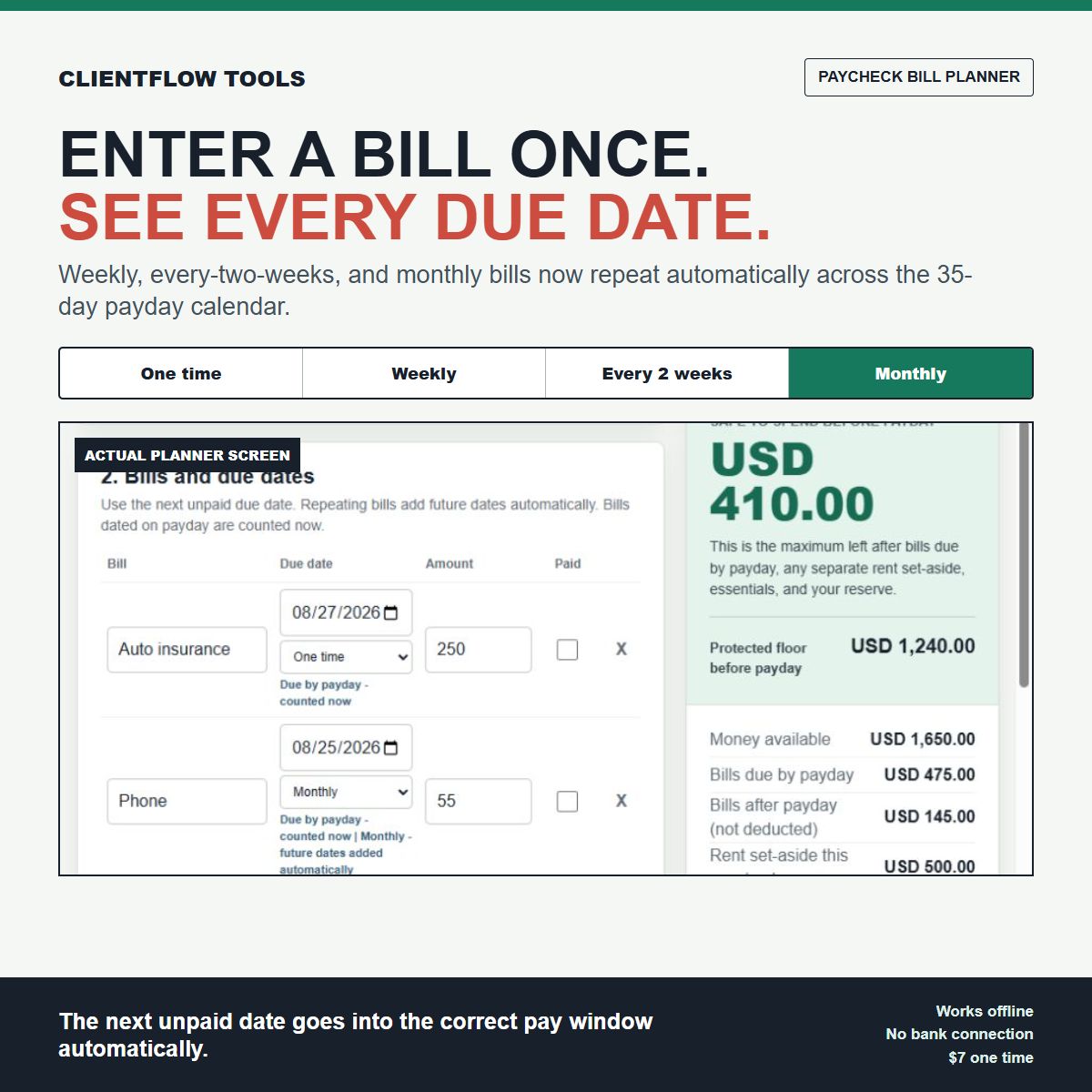
For example, suppose a USD 55 phone bill is next due on August 25 and repeats monthly. The August bill belongs to the pay window that must protect it. The September 25 occurrence is a separate future bill. When the August occurrence is marked paid, it leaves the current totals, but the September occurrence remains planned.
That is the new workflow inside the Paycheck Bill Planner. Enter a bill once and choose One time, Weekly, Every 2 weeks, or Monthly. The planner then:
- places each unpaid date in the current, next, or later pay window;
- shows the dates on a 35-day calendar beside both paydays;
- keeps a paid occurrence out of the totals without deleting the later repeats;
- calculates the protected amount and the maximum left before payday; and
- keeps the next-paycheck forecast separate from money available today.
The planner works offline in a browser and does not connect to a bank. You still verify every due date, amount, payroll release time, and bill draft rule yourself. An unpaid bill dated on payday is counted in the earlier protected amount until you confirm the posting order.
See the actual screen and the complete USD 1,650 example:
Open the Paycheck Bill Planner example
The download is USD 7 one time. Use WELCOME10 for 10% off.


Comments
Post a Comment