Grocery Budget Per Paycheck: A Biweekly Example
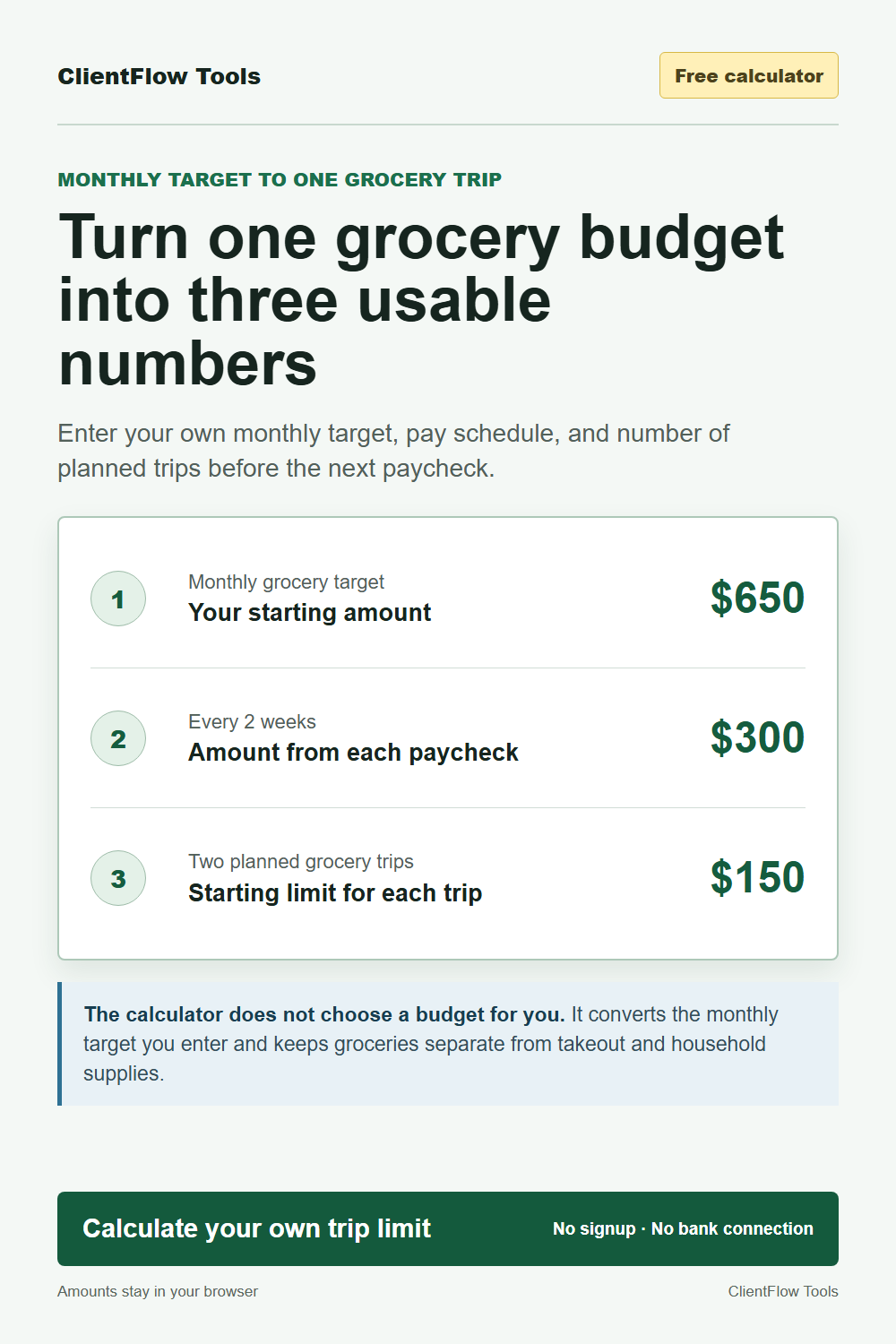
A monthly grocery number is easy to write down and surprisingly hard to use at the store. If paychecks arrive every two weeks, the practical questions are different: how much belongs to each paycheck, how many grocery trips must that paycheck cover, and what should the list total be before checkout?
This method turns one monthly grocery target into those smaller decisions. It does not decide what your household should spend. Start with recent grocery receipts, current household needs, and the wider budget, then convert the target you choose.
Open the free Grocery Budget Per Paycheck Calculator. It needs no signup or bank connection, and entered amounts stay in the current browser tab.
The short formula
First turn the monthly target into a yearly target. Then divide it by the standard number of paychecks in the pay schedule.
Monthly grocery target x 12 / paychecks per year = grocery amount per paycheck
- Weekly pay: 52 paychecks per year
- Every two weeks: 26 paychecks per year
- Twice a month: 24 paychecks per year
- Monthly pay: 12 paychecks per year
After that, divide the paycheck amount by the number of grocery trips planned before the next paycheck.
Grocery amount per paycheck / planned trips = starting limit per trip
A $650 monthly grocery budget on biweekly pay
Suppose the household has chosen a $650 monthly grocery target and one paycheck arrives every two weeks.
- $650 x 12 months = $7,800 per year.
- $7,800 / 26 biweekly paychecks = $300 per paycheck.
- Two planned grocery trips before the next paycheck means $300 / 2 = $150 per trip.
| Planning level | Amount | What it controls |
|---|---|---|
| Monthly | $650 | The household's chosen grocery target |
| Each biweekly paycheck | $300 | The amount protected when the check arrives |
| Each of two planned trips | $150 | The starting limit for the shopping list |
The $150 is a starting list limit, not a promise about the final price. Store prices, weights, substitutions, taxes, and household needs can change. Price the list before shopping, record the actual checkout total, and use the difference when planning the next trip.
Why dividing the monthly number by two is different
A biweekly schedule normally has 26 paychecks per year. Dividing $650 by two gives $325. Repeating $325 across 26 paychecks sets aside $8,450, which funds 13 monthly amounts rather than 12.
That extra $650 can be an intentional buffer. It is not wrong if the household chose it on purpose. It is simply different from spreading a 12-month target evenly across 26 checks. The calculator uses the annualized method and shows the recurring amount that matches 12 monthly targets.
Keep the grocery category consistent
A useful target needs the same meaning from month to month. Track grocery-store food separately from restaurants and takeout. Decide whether toiletries, cleaning products, pet supplies, alcohol, and delivery fees belong inside or outside the grocery category, then keep that choice consistent.
Michigan State University Extension recommends recording all food spending for one month before choosing a realistic food budget and separating grocery spending from eating out. That gives the monthly input a basis in actual household behavior rather than a generic number from someone else's household. Read the MSU Extension food-budget steps.
What to do when the list is over the trip limit
An over-limit list is information. Work through it before treating the monthly target as a failure:
- Check the refrigerator, freezer, and pantry for food that should be used first.
- Separate required items from flexible restocks that can wait for another trip.
- Replace rough guesses with current prices for the store you plan to use.
- Check whether household supplies or takeout were mixed into the grocery total.
- Compare several actual checkouts. If the same gap keeps appearing, revise the monthly target or the meal plan with real evidence.
The free 15-Minute Grocery Reset Worksheet turns the trip limit into one use-first inventory, five dinners, a priced shopping list, and an estimated total.
What happens in a three-paycheck month?
The annualized method assigns the same grocery amount to all 26 standard biweekly paychecks, including the third check in a three-paycheck month. That does not make the full third paycheck extra. It only means the grocery amount continues to follow the pay cycle. Keep it available for the grocery trips in that cycle or apply a household rule already used for any surplus.
Use the smallest tool that solves the next decision
Use the free calculator when the problem is converting a monthly grocery target. Use the free one-trip worksheet when the problem is building the next list. The optional Grocery Budget and Meal Planning Kit is for repeating the workflow each week and keeping the records together. It is a one-time $9 download with five coordinated printable worksheets, five editable CSV templates, paycheck tracking, leftover planning, and a complete worked example. Coupon WELCOME10 saves 10%.
This article and its tools are educational planning resources, not financial, nutrition, medical, or food-safety advice. Check current prices and household needs before relying on a plan.


Comments
Post a Comment