How to Budget When Your Paydays Are Never the Same
A monthly budget can look fine on paper and still fail between paychecks. The problem is often timing: a shift changes, a client pays late, a benefit date moves, or a biweekly paycheck lands after a large bill.
When payday dates move, do not force the month into equal pieces. Build one short plan from today to the next pay date you can reasonably use.
Start with money already available, not expected income.
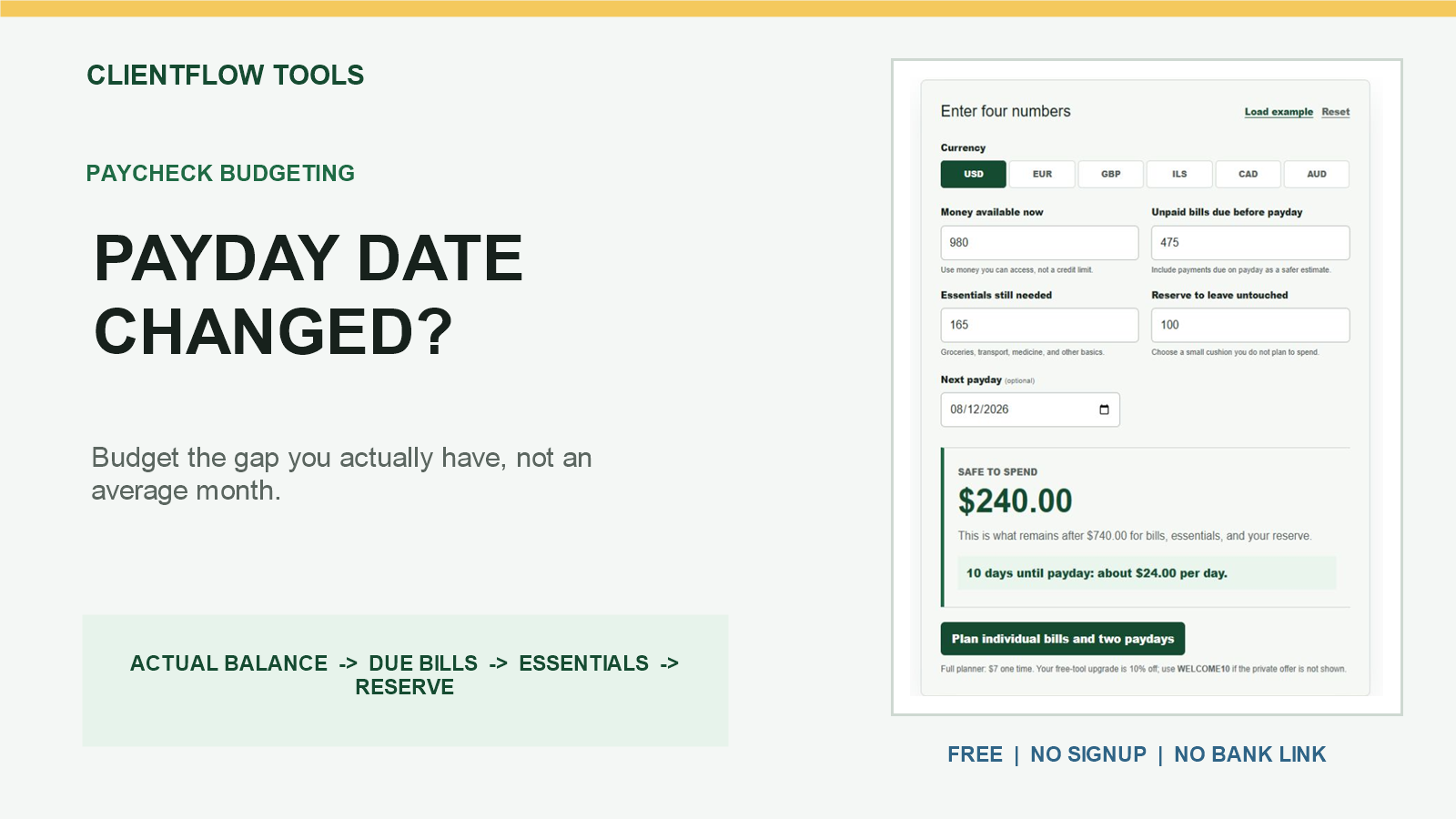
Use the free paycheck budget calculator for the current pay window. It needs four totals, runs without a signup or bank connection, and keeps your financial inputs in your browser.
Use the next confirmed pay date
Write down three things before calculating:
- How much money is actually available now
- The next confirmed or realistically usable pay date
- Every unpaid bill due on or before that date
This creates one pay window. A bill due inside the window must be protected now. A bill due after the window belongs in the next plan, even if both bills appear in the same calendar month.
The CFPB's bill-calendar guidance recommends listing each bill, amount, and due date. That is especially useful when income and bill dates do not line up.
A simple changing-payday example
Suppose you have $840 available and expect a confirmed paycheck in eight days.
| Money available now | $840 |
| Unpaid bills due within 8 days | -$390 |
| Essentials needed for 8 days | -$180 |
| Reserve left untouched | -$70 |
| Safe-to-spend ceiling | $200 |
That is a ceiling of $200, or about $25 per day for eight days. The daily figure is a check-in pace, not a target to spend.
Recalculate when the date moves
Now the paycheck moves from eight days away to ten. A $60 phone bill falls inside the longer window, and the essentials estimate rises by $35.
$840 - $450 in bills - $215 in essentials - $70 reserve = $105
The updated daily pace is $10.50 for ten days. Reusing the old $25 figure would hide both the newly included bill and the two extra days of basics.
The rule is straightforward: when the pay date, bill list, available balance, or essential needs change, run the four totals again.
What if the next payday is not confirmed?
Do not build the plan around income that has not arrived. Use one of these cautious approaches:
- Use only the ceiling. Leave the payday date blank and calculate what remains after current bills, essentials, and a reserve.
- Use a later realistic date. Include the bills and essentials needed through that date. If income arrives sooner, recalculate from the actual deposit.
- Keep forecast income separate. A possible shift, client payment, commission, or benefit is not part of money available now.
This does not predict an irregular paycheck. It limits today's decision to money you can verify.
Do not divide every monthly bill in half automatically
Splitting regular bills across paychecks can work when you already keep a funded bill buffer. It is less reliable when money is tight and pay dates change, because the next check may arrive after a bill is due.
In that situation, use actual due dates first. Once you have enough buffer to fund bills ahead of time, an equal-per-paycheck transfer can become a separate system.
A five-minute payday routine
- Check the spendable balance and pending transactions.
- Confirm the next pay date if possible.
- Total unpaid bills due by that date.
- Estimate groceries, transport, medicine, and other basics only for the gap.
- Choose a reserve and calculate the remainder.
Repeat after each deposit and whenever the date changes. The plan should follow the real cash-flow window, not a perfect month that does not exist.
When the result is negative
A negative result means the money currently available does not cover the amounts entered. A calculator cannot solve that shortage or decide which payment is most important.
The CFPB provides a separate prioritizing-bills resource and recommends contacting the companies you owe when you cannot make payments. Rules, consequences, and assistance options vary, so verify them directly instead of relying on a generic order from a budgeting article.
Run the free live calculator for one current pay window. To enter individual bill names and dates, separate them into current and next pay windows, and save the plan locally, use the Two-Payday Bill Planner.
This article is for general educational organization only. It does not predict income or provide financial, legal, tax, debt, or payment advice. Verify balances, dates, pending transactions, obligations, and assistance options yourself.


Comments
Post a Comment